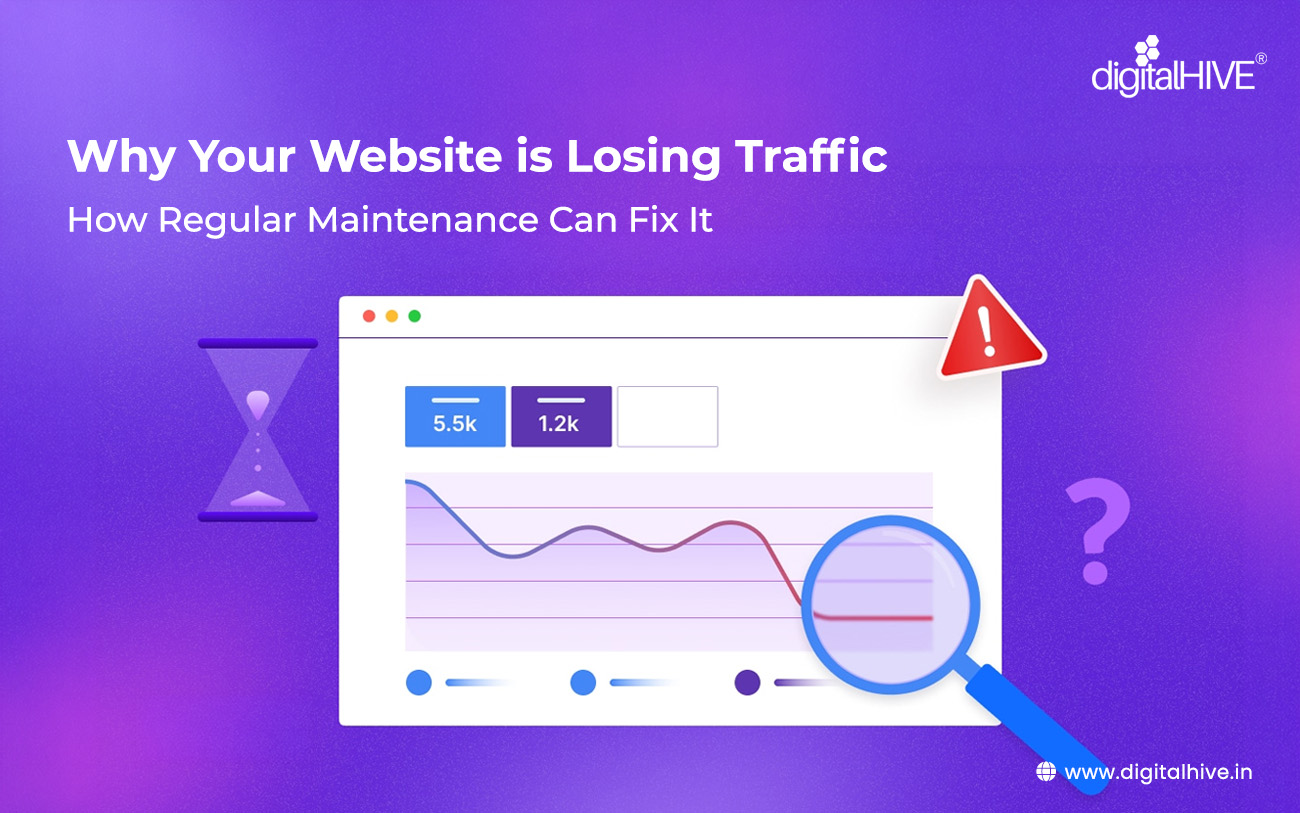
Your Website is Losing Traffic!! It was not so when you built your website and launched it. For a while, things looked great. Traffic was growing, leads were coming in and your online presence felt solid. But lately, something has changed. Your analytics show a steady decline. Fewer visitors. Lower rankings. Less engagement.
You haven’t changed anything, so what went wrong?
The answer, in most cases, is simple: the internet changed, but your website didn’t. Regular Website Maintenance is an ongoing commitment and neglecting it is one of the fastest ways to lose the traffic and trust you’ve worked hard to build.
1. Your Site has become Slow
Page speed is one of the most critical ranking factors for Google. If your website takes more than 3 seconds to load, studies show that over 50% of visitors will leave before the page even finishes loading and Google notices that too.
Common culprits of a slow site due to which website is losing traffic:
- Uncompressed, oversized images
- Outdated plugins and themes are bloating your code
- No caching setup or an expired CDN configuration
- Accumulated database clutter from old revisions and spam
Fix it: Regularly audit your page speed using Google PageSpeed Insights or GTmetrix. Compress images, enable browser caching and keep all plugins and themes updated to ensure optimized code.
2. Your Content has gone Stale
Google rewards fresh, relevant content. If your blog posts still reference “2021 statistics” or your service pages haven’t been touched in years, search engines will begin to deprioritise your pages in favour of more recently updated content.
Beyond SEO, outdated content damages credibility with real visitors. A blog post from three years ago with no updates signals to your audience that your business might not be active.
Fix it: Schedule quarterly content audits. Update statistics, refresh examples, improve headlines and republish updated posts with a new date. Even small updates signal to Google that your content is alive and relevant.
3. You have Broken Links and 404 Errors
Every time a visitor — or a search engine crawler — hits a broken link or a 404 error page on your site, it creates a negative signal. Broken internal links interrupt the user journey and waste your crawl budget. Broken outbound links make your content look unreliable.
As websites grow and evolve, links break naturally — pages get deleted, URLs get restructured and external sites go offline. Without maintenance, these errors silently accumulate.
Fix it: Use tools like Screaming Frog or Ahrefs to run regular link audits. Set up 301 redirects for any pages you delete or move and check outbound links every few months.
4. Security Issues are Damaging Your Reputation
Nothing kills website traffic faster than a security breach. If your site gets hacked, Google may flag it with a warning — or worse, remove it from search results entirely. Visitors who see a “This site may be harmful” warning will immediately leave and recovering from that reputation damage can take months.
Outdated CMS software, plugins and themes are among the most common entry points for malicious attacks. An unpatched vulnerability is an open door.
Fix it: Keep your CMS, plugins and themes updated at all times. Install a security plugin (like Wordfence for WordPress), enforce SSL (HTTPS), use strong passwords and schedule regular malware scans.
5. Mobile Experience is Broken or Outdated
Google uses mobile-first indexing, which means it primarily evaluates the mobile version of your website for rankings. If your site looks or performs poorly on smartphones and tablets, your search rankings will suffer — even for desktop users.
Mobile issues often creep in after plugin updates, theme changes, or adding new content that wasn’t tested on smaller screens.
Fix it: Test your website on multiple devices and screen sizes regularly. Use Google’s Mobile-Friendly Test tool and address any issues immediately after major updates.
6. Your SEO Signals have Weakened
SEO isn’t a “set it and forget it” activity. Search algorithms evolve constantly and what ranked you on page one two years ago may not be enough today. If your competitors are actively updating their content and building links while you’re standing still, they will eventually outrank you.
Fix it: Regularly review and update your meta titles and descriptions, refresh keyword targeting on key pages, build internal links to newer content and monitor your search performance via Google Search Console.

The Solution: Build a Regular Website Maintenance Routine
The good news is that all of the above problems are preventable and fixable with a consistent maintenance schedule. Think of your website like a car: regular servicing keeps it running smoothly and prevents expensive breakdowns.
Here is a simple maintenance cadence to follow:
- Weekly: Check for plugin/theme updates, monitor uptime, review spam comments
- Monthly: Run speed and performance tests, check for broken links, review analytics
- Quarterly: Conduct a full content audit, update old blog posts, review SEO metadata
- Annually: Review site structure, refresh design elements, renew domain and SSL certificates
Losing website traffic is rarely a mystery — it’s usually the result of gradual neglect. The websites that consistently rank well and attract visitors are not necessarily the most beautiful or the most expensive. They are the ones that are consistently maintained.
If your website is losing traffic,, start with an honest audit: How fast does your site load? When was your content last updated? Are there broken links or security vulnerabilities lurking in the background?
The answers will point you to exactly where to start. And once you have a maintenance routine in place, you won’t just recover your lost traffic — you’ll build a more reliable, trustworthy and resilient website for the long term.
Regular maintenance is not a cost – it’s an investment in your website’s future.
FAQs
If your website is losing traffic, it is likely to be due to slow loading speed, outdated content, poor user experience, or technical issues like broken links and lack of updates.
A slow website increases bounce rates because users leave if pages take too long to load. Faster websites improve user experience and help retain visitors.
Yes, outdated or irrelevant content can negatively impact SEO rankings and user trust, causing a drop in traffic over time.
Broken links create a poor user experience and reduce credibility, which can lead to higher bounce rates and lower search engine rankings and you see in the analytics that your website is losing traffic.
Weak security or hacked websites can scare visitors away and damage trust, resulting in significant traffic loss and potential ranking drops.
Website maintenance involves regular updates, performance checks, security monitoring and content updates to keep your site running smoothly and ranking well.
Regular maintenance improves speed, fixes technical issues, updates content and enhances user experience, all of which help boost search rankings and attract more visitors.
Investing in website maintenance ensures your site stays secure, fast and up-to-date, helping you retain users, improve SEO performance and stay ahead of competitors.
If your website is loosing traffic and declining due to slow page speeds, outdated content, broken links, security issues, or technical SEO problems, Digital Hive can help identify and fix the root causes through its comprehensive website maintenance services. Our team performs regular website audits, WordPress updates, security monitoring, speed optimization, SEO health checks, content updates, backup management and technical issue resolution to keep your website secure, fast and search-engine friendly. We also provide Website AMC (Annual Maintenance Contract) services that proactively monitor performance and prevent issues before they impact your rankings or user experience, helping you maintain and grow your organic traffic over time.